Compositor
macOS
v1.4.5 · 13.5 MiBmacOS · Universal: Intel + Apple Silicon
Verify SHA-256 checksum
41ba12d44b619992cfae55a2113d4304b07c2589a82030f98bd5fc300d87cf9fCompositor
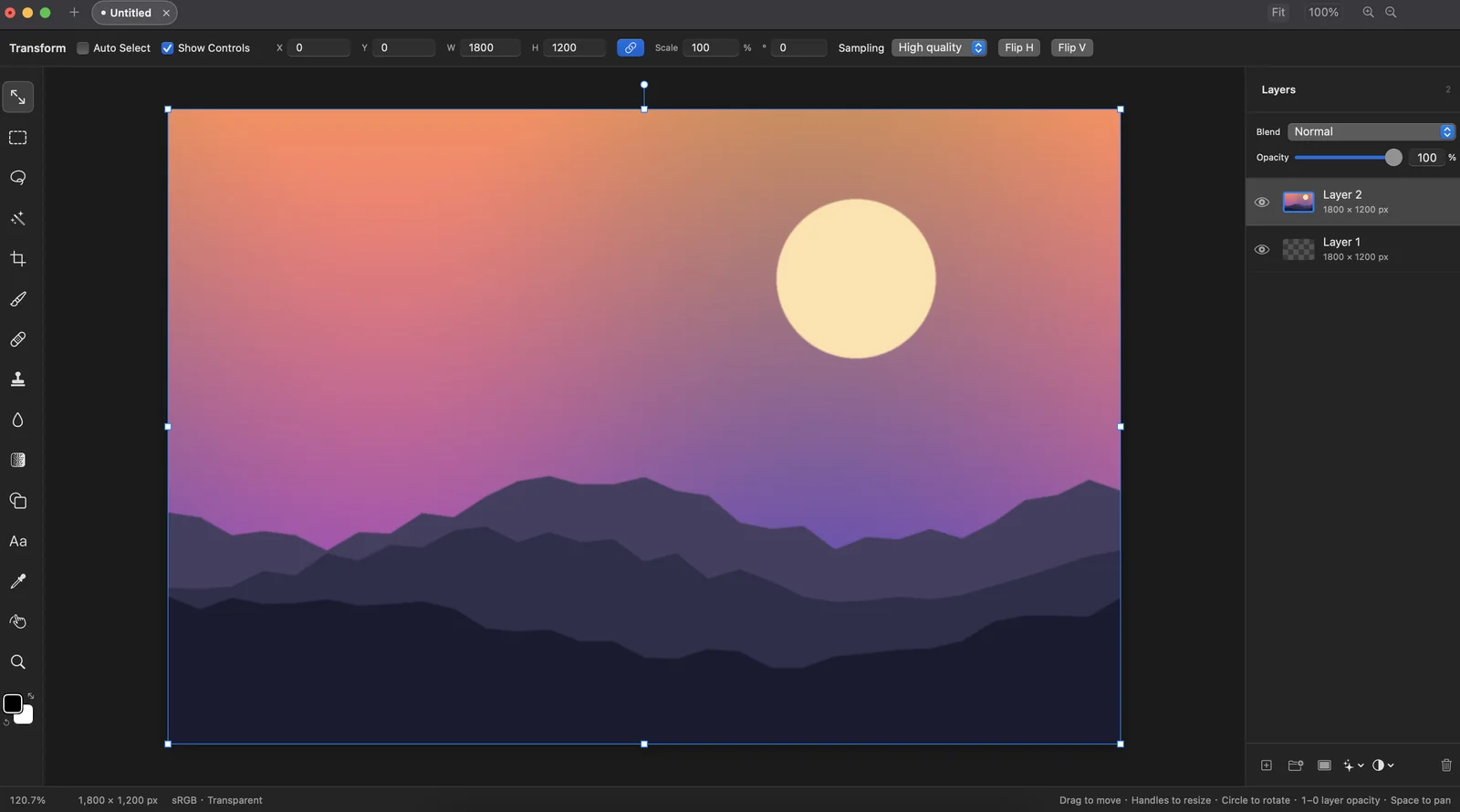
macOSCombine images with layers, folders, masks and blend modes, then refine them with Levels, Curves, Hue/Saturation and Camera Raw adjustments and GPU-rendered layer effects. Free and open source.
Compositor
No account, license key or purchase is needed. Compositor was created by Wonder Assembly LLC; this build adds Intel Mac support and is hosted here.
Main features
Pick your app. Check your platform.
Requires macOS 15 or later on an Intel or Apple silicon Mac. This build is not Apple notarized: on first launch, right-click the app and choose Open, or allow it in System Settings → Privacy & Security. It has been tested on an Intel Mac; Apple silicon device validation is pending. Updates arrive through the app and are signed with this project's own key.
macOS · Universal: Intel + Apple Silicon
41ba12d44b619992cfae55a2113d4304b07c2589a82030f98bd5fc300d87cf9fA LITTLE HELP
Download the DMG for your app, open the disk image and drag the app to Applications. Check the requirements and signing status above before installing. These builds are not Apple notarized.
Coniel, Tom Companion, Afu and Compositor are universal builds for Intel and Apple Silicon. ImageCommand and PDF Manager currently provide Intel builds, which require Rosetta on Apple Silicon.
Yes. Coniel, ImageCommand, PDF Manager and Tom Companion provide online purchase and in-app license activation on Windows. Use the purchase link on the product page, then activate the license key in the app. Prices and device limits vary by product.
Free features, trial availability and paid licenses vary by product. Review the relevant product page or the app's license screen for current options before purchasing.
Yes. The current Mac apps support English and Chinese inside the app. Previously saved language preferences may be retained when upgrading.
This site hosts current installers and update manifests. In Afu, open Settings → Software Update to check and download a verified update. For other apps, use their update screen when available, or download the current installer here. Quit a Mac app before replacing it in Applications.
Our apps